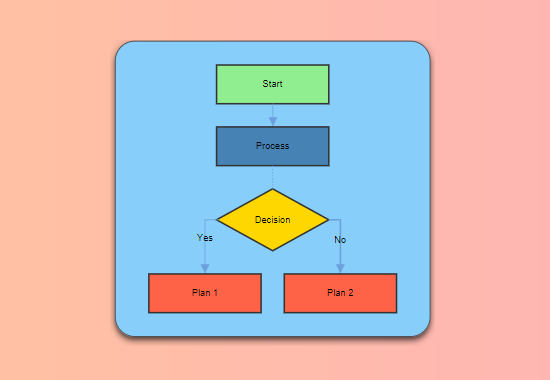
🟦 Diagram Creation & Editing
Build diagrams with a rich palette of shapes, connectors, and annotation tools. Drag, drop, and edit with intuitive controls.
- Wide variety of shapes: rectangles, ellipses, polygons, flowchart symbols
- Connectors: orthogonal, straight, bezier with arrowheads and custom styles
- Text and annotation on shapes and connectors
- Interactive editing: move, resize, rotate, group, align, order

🎨 Styling, Undo/Redo & Navigation
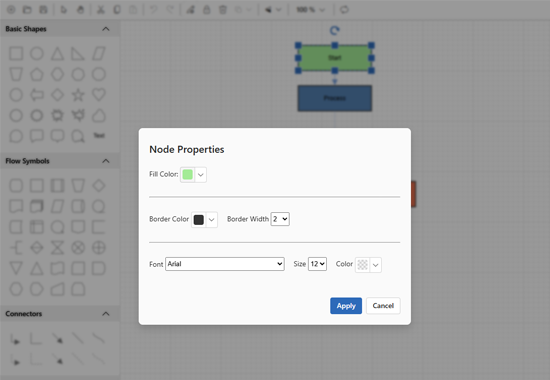
Customize every element with fill, border, and font options. Work efficiently with full undo/redo, clipboard, zoom, pan, and snap-to-grid.
- Custom fill, border, and font for nodes/connectors
- Undo/redo, cut/copy/paste, delete
- Zoom, pan, fit to screen
- Snap to grid and alignment guides
📤 Import, Export & Templates
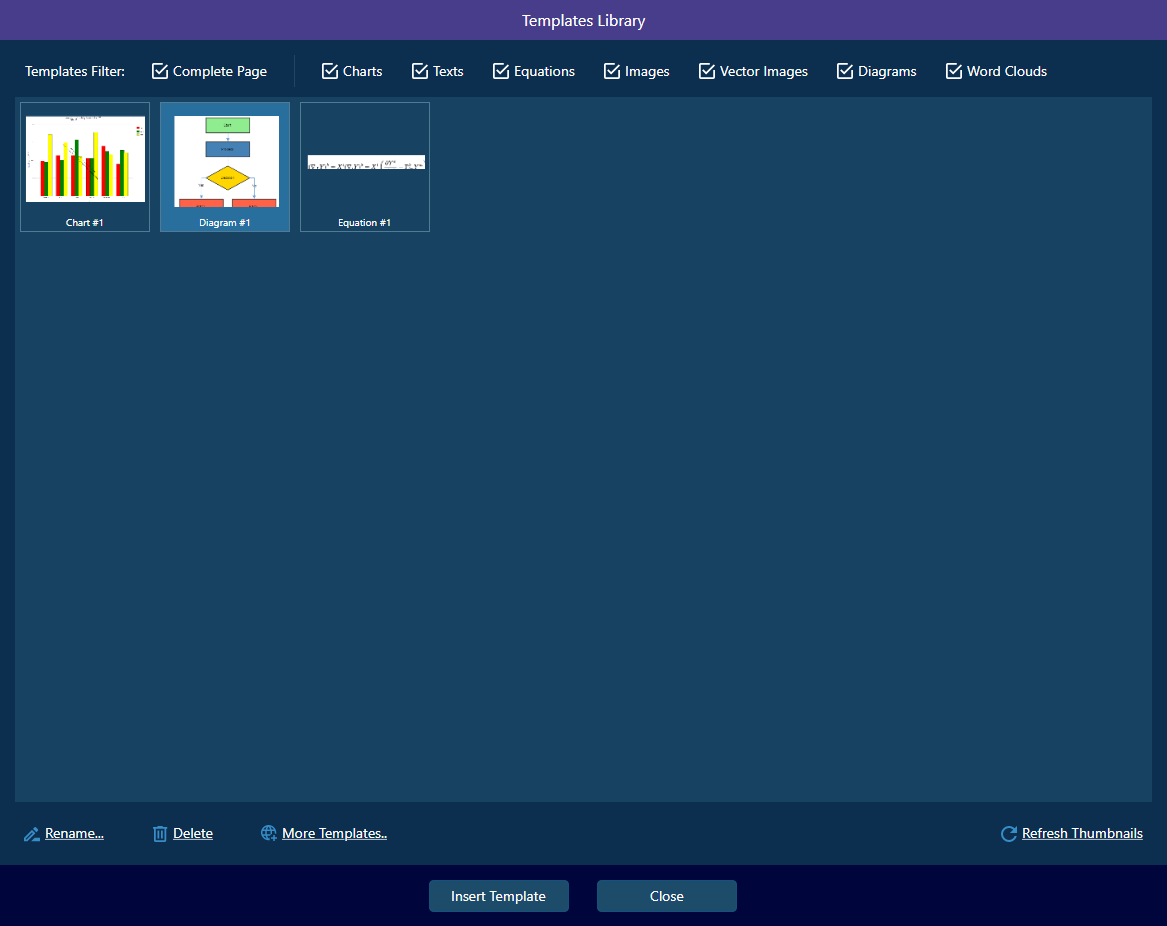
Import/export diagrams in Mermaid or SVG, save/load as JSON, and manage reusable templates for fast workflow.
- Import/export Mermaid and SVG
- Save/load as JSON
- Save as vector or template
- Comprehensive template library
🖼️ Advanced Layout & Appearance
Toggle orientation, customize backgrounds, borders, and shadows for professional, publication-ready diagrams.
- Orientation toggle: top-to-bottom, left-to-right
- Custom backgrounds, borders, shadows, opacity
- Context menu and rich toolbar for quick access