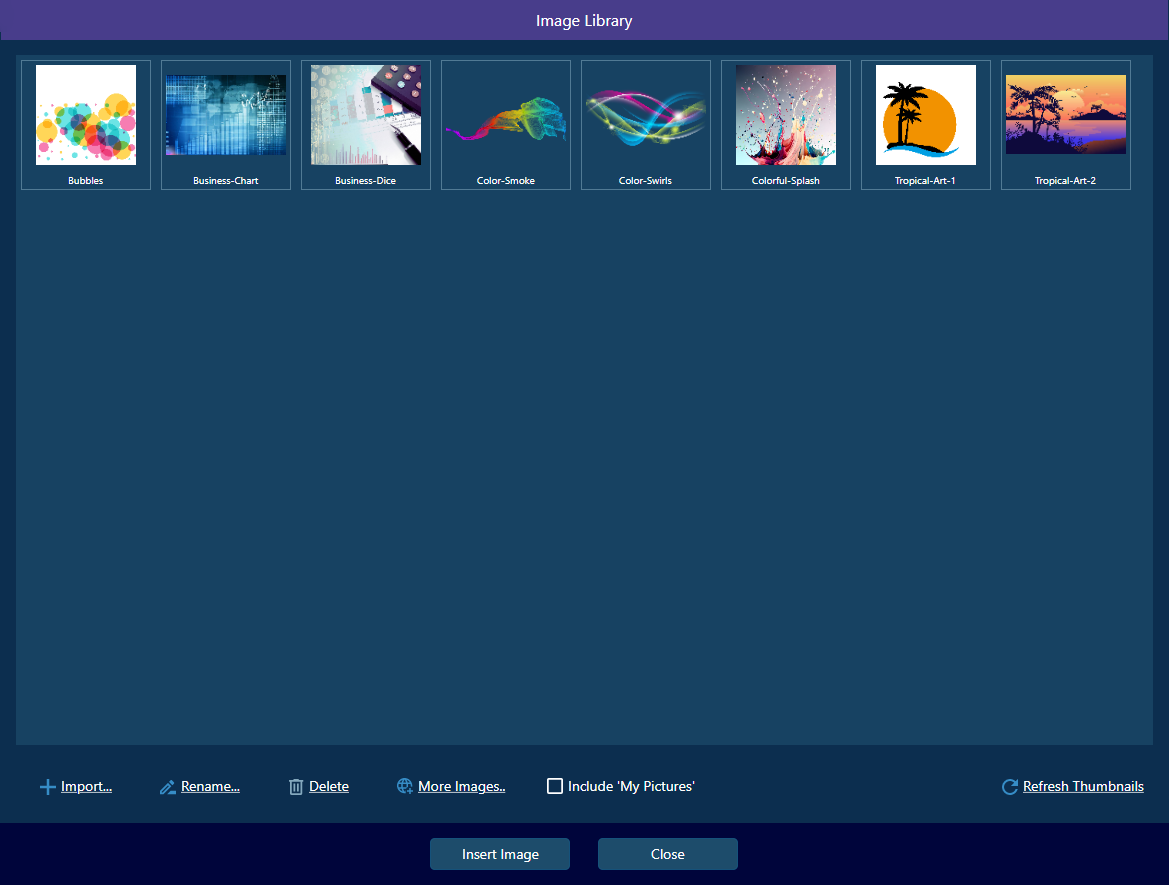
🖼️ Import, Export & Edit Images
Open, save, and edit images in common formats. Crop, resize, rotate, flip, and undo/redo with ease.
- Import/export PNG, JPEG, BMP
- Clipboard copy/paste
- Crop, resize, rotate, flip
- Undo/redo editing actions
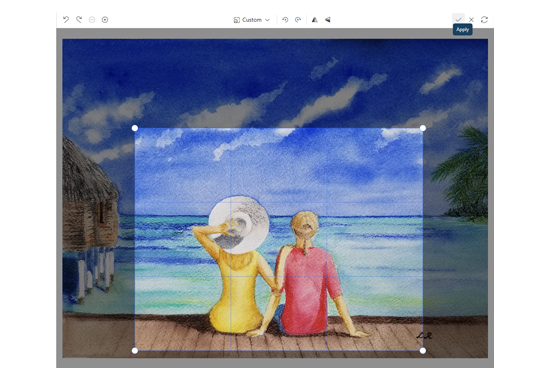
✏️ Drawing, Annotation & Manipulation
Draw freehand, add shapes, arrows, and text. Select, move, group, and style annotations for clear communication.
- Freehand lines, shapes, arrows
- Text annotations with font/color
- Select, move, delete, group/ungroup
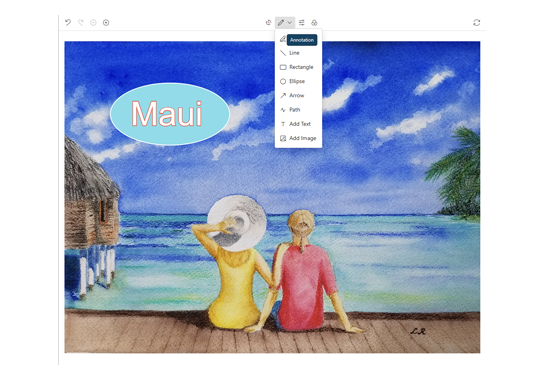
🎨 Color, Filters & Layers
Adjust brightness, contrast, saturation, and hue. Apply filters and work with multiple layers for non-destructive editing.
- Brightness, contrast, saturation, hue
- Grayscale, sepia, and more filters
- Multiple layers: reorder, hide, lock
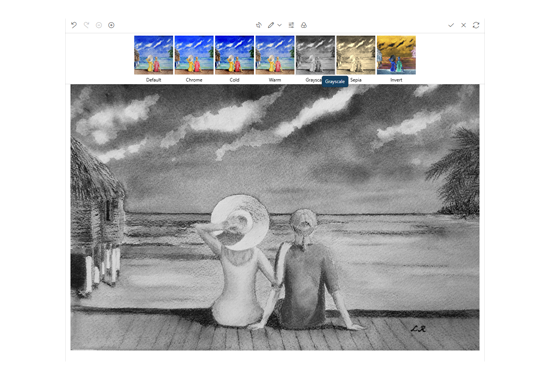
📚 Image Library
Organize, save, and reuse your images with a comprehensive library.
- Full image library
- Quick access to saved images
- Full library management
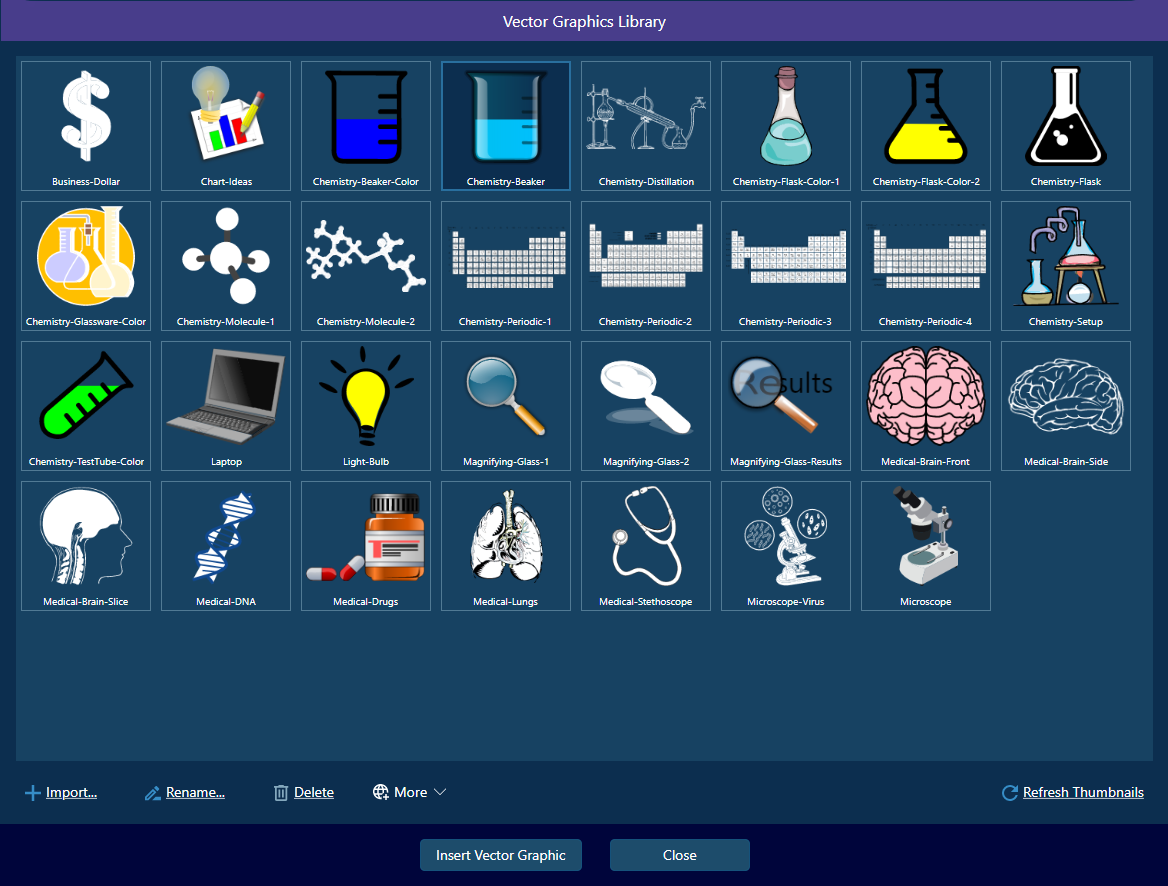
📚 Scalable Vector Library
Organize, save, and reuse your vector graphics with a comprehensive library.
- Full vector graphics library
- Quick access to saved vector graphics
- Full library management