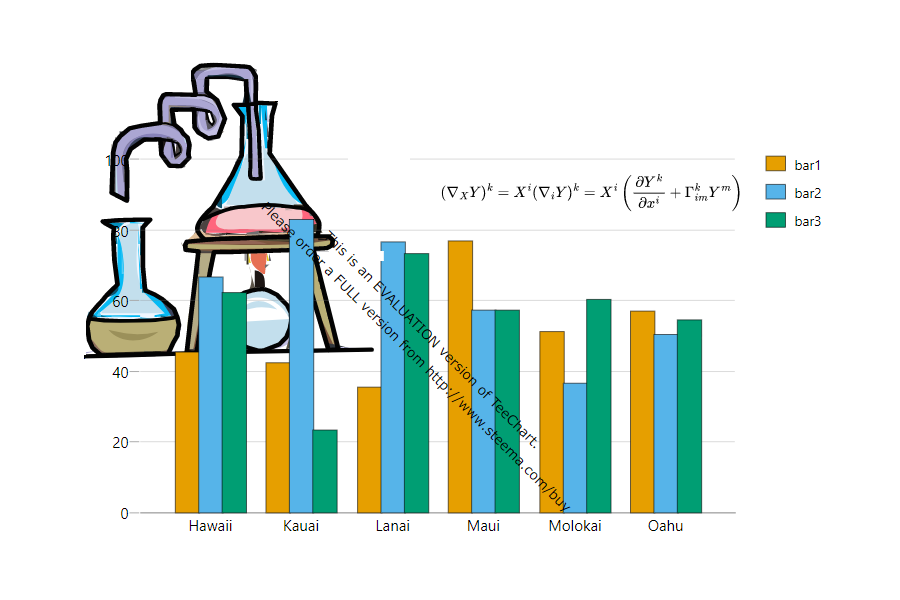
🧩 Page Objects & Layering
Combine charts, images, vector graphics, text, tables, equations, diagrams, and word clouds on a single page. Arrange, layer, and control the order of every object.
- Add multiple objects to a page
- Arrange in layers, bring forward/backward
- Set opacity for special effects
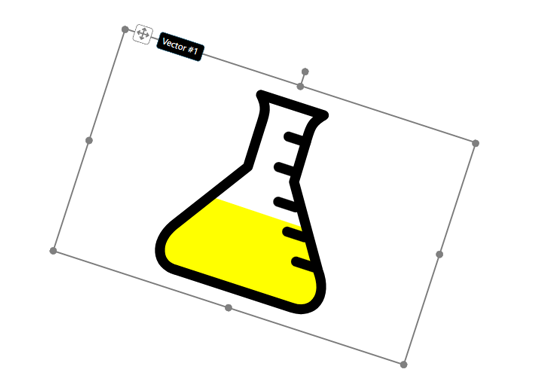
📏 Size, Position & Rotation
Precisely resize, move, and rotate objects. Use handles or keyboard commands for exact placement and orientation.
- Resize with handles
- Move objects anywhere
- Nudge with keyboard
- Rotate to any angle or reset orientation
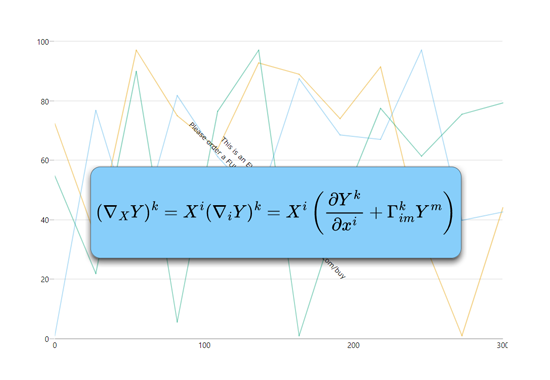
🎨 Background, Border & Shadow
Customize each object's appearance with solid, gradient, or image backgrounds, borders, and shadow effects for a professional look.
- Set solid, gradient, or image backgrounds
- Control background opacity
- Show/hide borders, set color, thickness, and corner radius
- Enable/disable shadows, set color, elevation, and margin
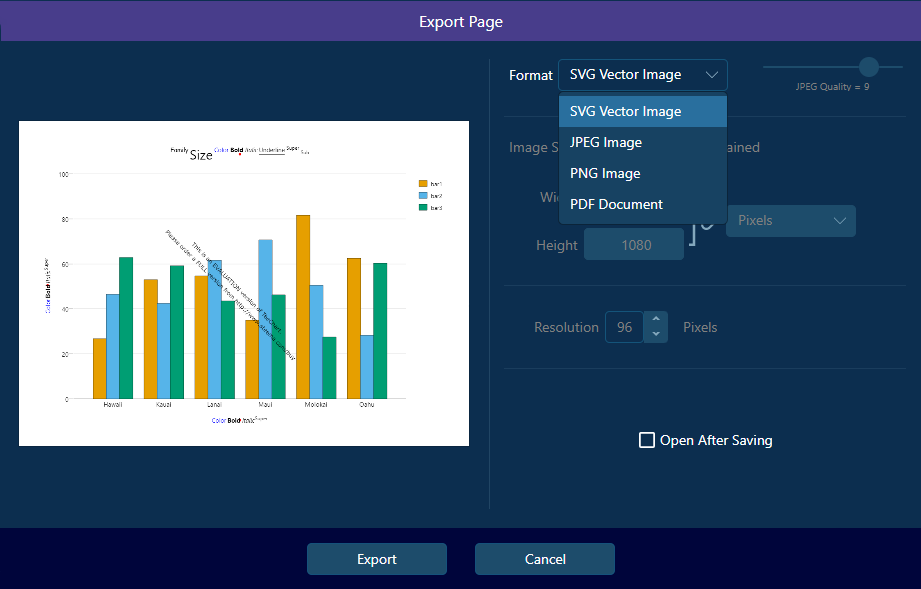
💾 Layout Actions & Export
Deselect, delete, undo/redo, and reset objects. Save, restore, print, or export your page layouts as vector-based PDF or SVG for publication quality.
- Deselect, delete, or reset objects
- Undo/redo layout changes
- Save and restore layouts
- Print or export as PDF/SVG